Uphole time modification
Description
Pick first breaks from the min offset stack to calculate the uphole times
The main objective of the Uphole survey is to get to know the thickness and velocities of the weathering layer or low velocity layer (LVL). To exercise the uphole survey, generally a shot hole is drilled and places an explosive source at the defined depth. Receivers are placed along the line and records the seismograph. From the field, we get the uphole times and depths. However these values may be inaccurate often times due to wrong measurements or the uphole depths are not correct etc.
To overcome this, the user can compute the uphole times by picking the first breaks from a near trace stack (minimum offset stack). In g-Platform we can perform this by using the module “Uphole time modification”.
Procedure:
The user should read the geometry assigned gathers and make the necessary connections/references to the uphole time modification module. Generate the Vista items. It will display the selected source gather, Min offset stack and Location map. In g-Platform, we have two options to pick the first breaks. Either auto picking or Manual picking.
Auto picking
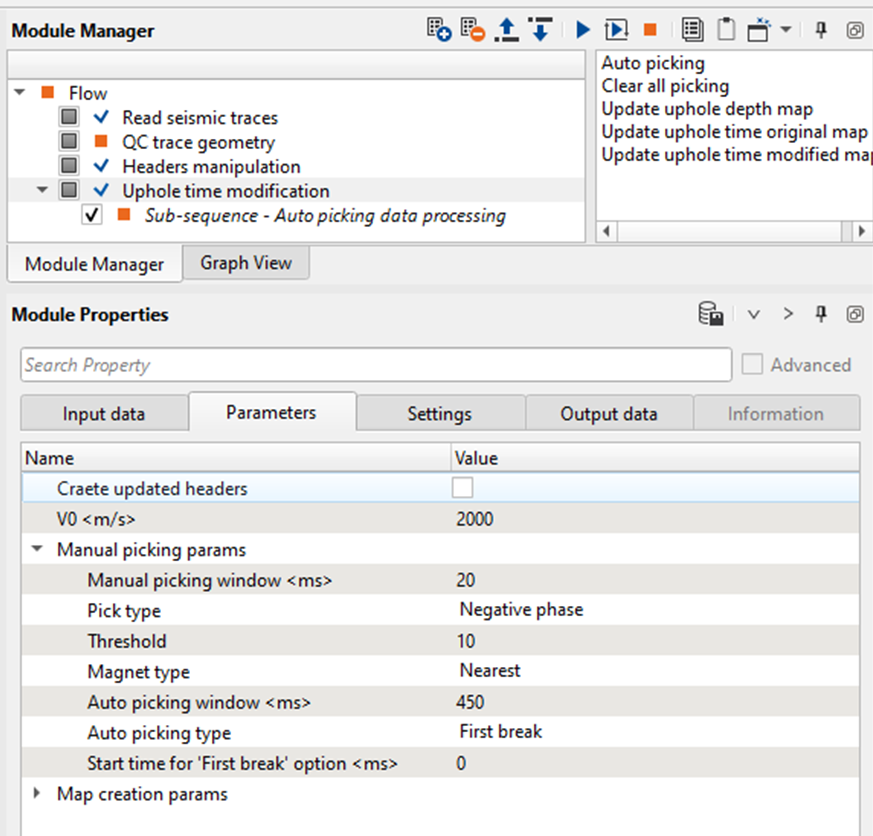
By clicking on the Auto picking option, it will automatically picks the first breaks. Adjust the parameters to have a better picks.
In case the user prefers to pick the first breaks manually, then the user should follow these steps
Manual Picking
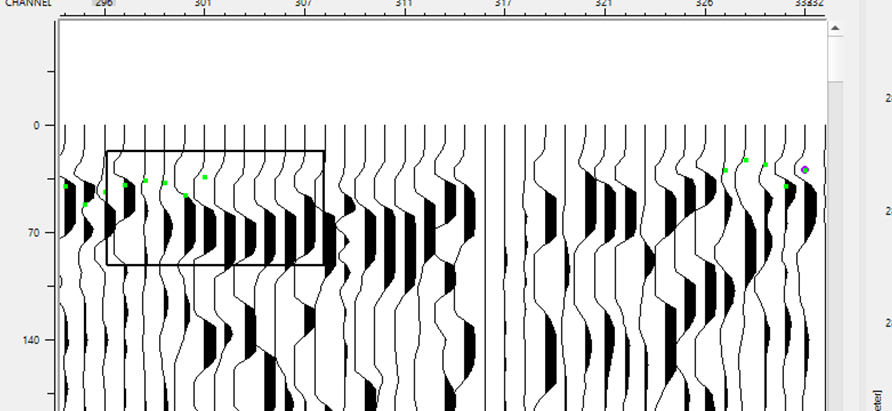
Once the user happy with the first break picking, we can execute the module “Uphole time modification” and generate the updated uphole times.
Input data
Input SEG-Y data handle
Input trace headers
Parameters
Create updated headers
By default it is unchecked. The user can check this option to create the updated headers which got latest uphole times.
V0
Provide the near surface or replacement velocity.
Manual picking params
Manual picking window
This parameter helps in adjusting the picks where these picks are either too far/less from the current mouse position. The user can adjust parameter to have a better control on the first break picks.
Pick type
Choose among the two. Negative phase & Positive phase
Threshold
Provide the threshold value
Magnet type
Select the available magnet from the drop down menu.
Nearest
Max Energy
Auto picking window
Auto picking type
By default First break. Choose among the 3 options. First break option works well.
Start time for 'First break' option
Define the start time for first break picking
Map creation params
Map step X
Define the map step size in X direction. This map is the updated uphole time.
Map step Y
Define the map step size in Y direction
Map margin
Interpolation method
Kriging covariance type
Choose the interpolation method. Kriging and Abos. If the user selects the Abos then the next few parameters are obsolete.
Kriging range
By default Exponential
Kriging number of points
100000 by default