Module name Load Geometry from SEG-P
Loading coordinates from SEG-P is similar to Loading coordinates from SPS. Unlike SPS, SEG-P have only two files. Source and Receiver.
To load the input data go to Input data tab and browse the Source and Receiver files. Pay attention to Coordinate Scalar. Fill in with appropriate parameter value. Run/execute the Load Geometry from SEG-P module and generate the vista items.
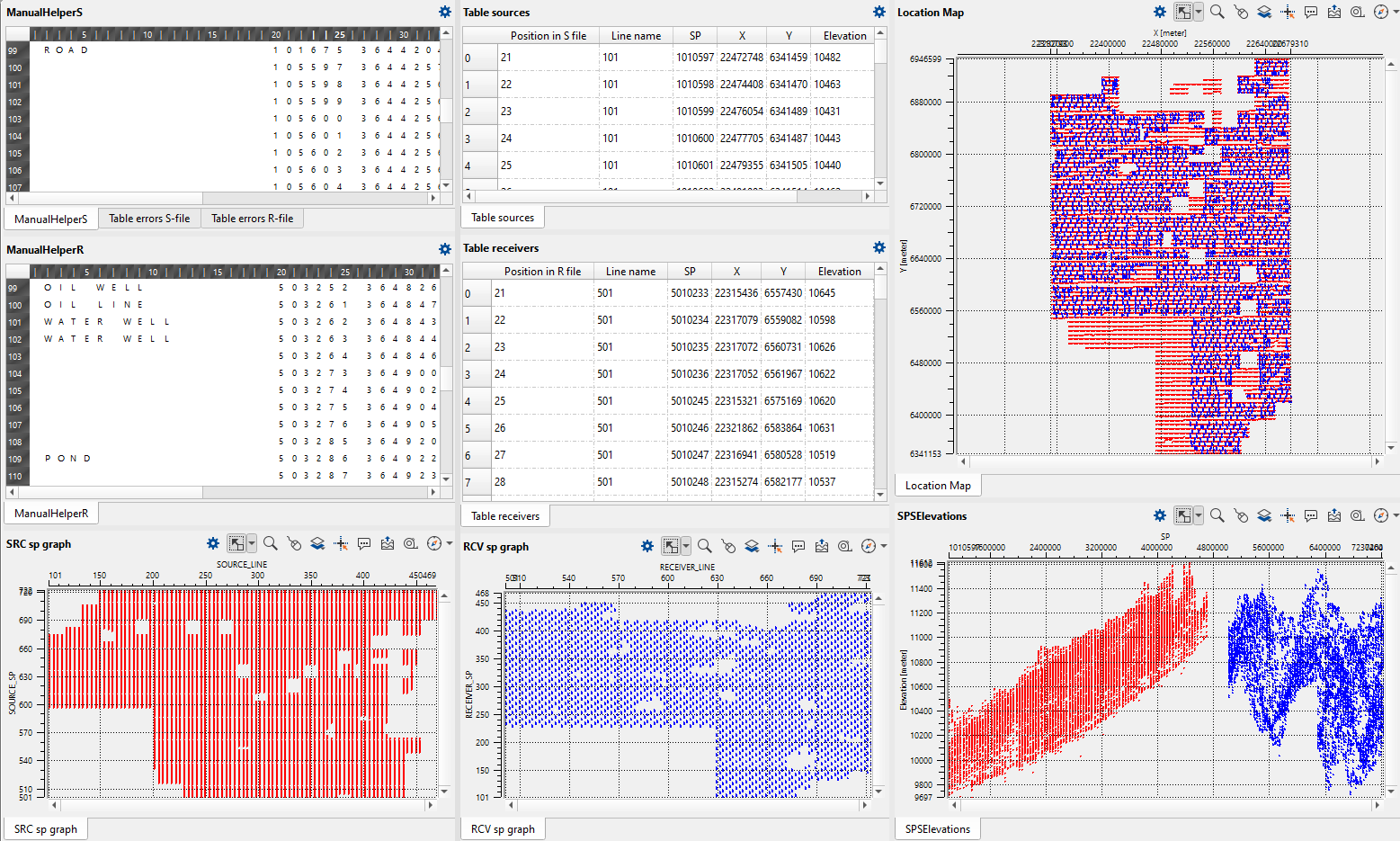
Here we can QC the loaded SEG-P file and if there are any errors in the Source and/or Receiver files then they will displayed in Table error S-file & R-files.