Set gather
Accumulation of Traces
Theory
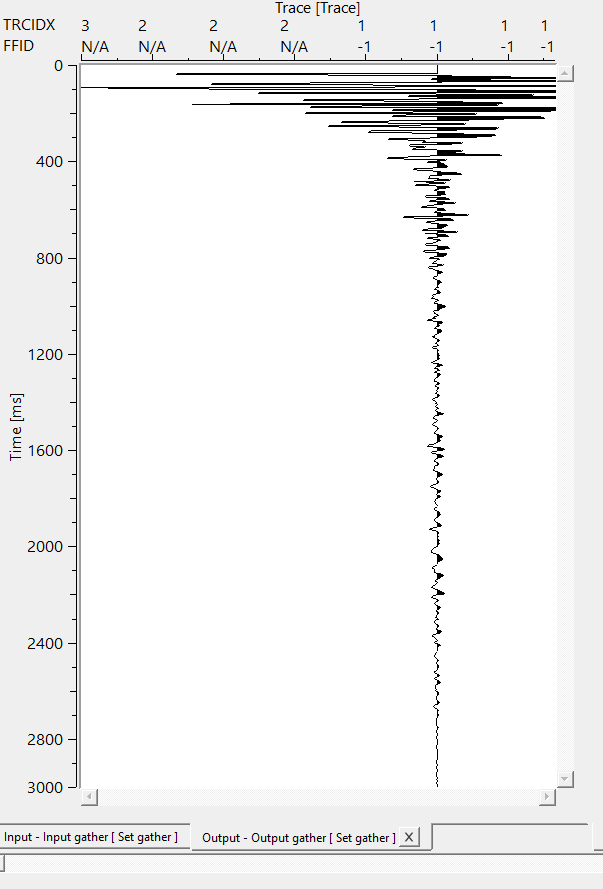
This module gets traces and accumulates it in to a single gather. For example we try to compute stack in loop and necessary to view resultant stack on a screen.View after module “Stack” will produce only one trace, but we need a full stack.In this case we can use module “Set gather” to accumulate our stack for visualization.
Input data
Input DataItem
Input gather
connect/reference to the Output gather.
Parameters
There are no parameters required for this module. It accumulates individual traces into a combined gather which eventually makes a stack section.
Settings
Auto-connection
By default, TRUE(Checked).It will automatically connects to the next module. To avoid auto-connect, the user should uncheck this option.
Bad data values option { Fix, Notify, Continue }
This is applicable whenever there is a bad value or NaN (Not a Number) in the data. By default, Notify. While testing, it is good to opt as Notify option. Once we understand the root cause of it,
the user can either choose the option Fix or Continue. In this way, the job won't stop/fail during the production.
Notify
It will notify the issue if there are any bad values or NaN. This will halt the workflow execution.
Fix
It will fix the bad values and continue executing the workflow.
Continue
This option will continue the execution of the workflow however if there are any bad values or NaN, it won't fix it.
Skip
By default, FALSE(Unchecked). This option helps to bypass the module from the workflow.
Output data
Output DataItem
Output gather
generates single trace as an output.
Merged gather
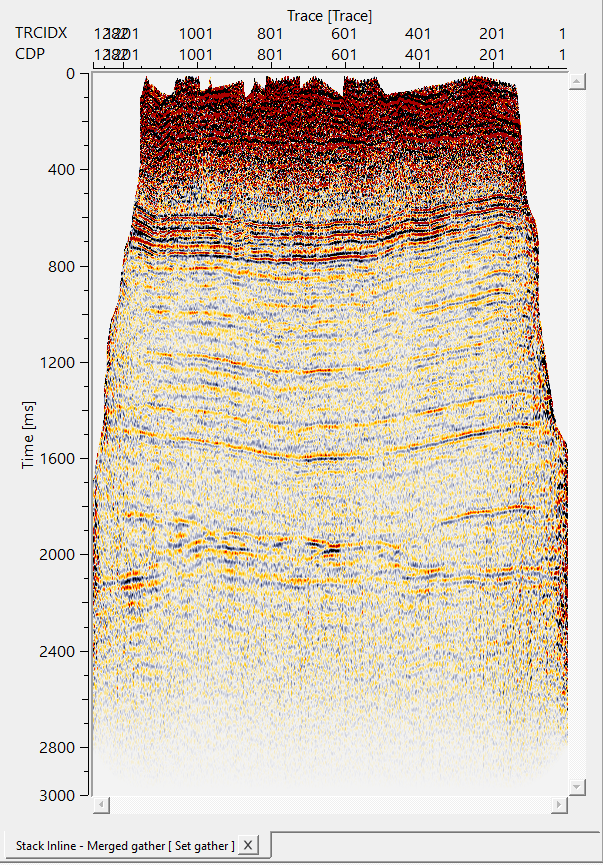
all the individual traces are accumulated and later combined to create a merged gather.
Information
There is no information available for this module
Examples
In this example, we are creating a merged/stack section by using Set gather. As we mentioned earlier, all individual traces are concatenated/accumulated/combined together to create a merged/stack section.
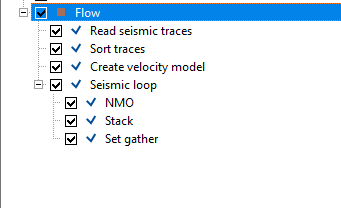
It generates three vista items i.e., input gather, output gather and merged gather.
Actions
There are no action items available for this module
Video lesson
YouTube video lesson, click here to open [VIDEO IN PROCESS...]
Related articles
Yilmaz. O., 1987, Seismic data processing: Society of Exploration Geophysicist
 * * * If you have any questions, please send an e-mail to: support@geomage.com * * *
