In the following sections, we are going to describe how to operate the g-Viewer software to visualize seismic data.
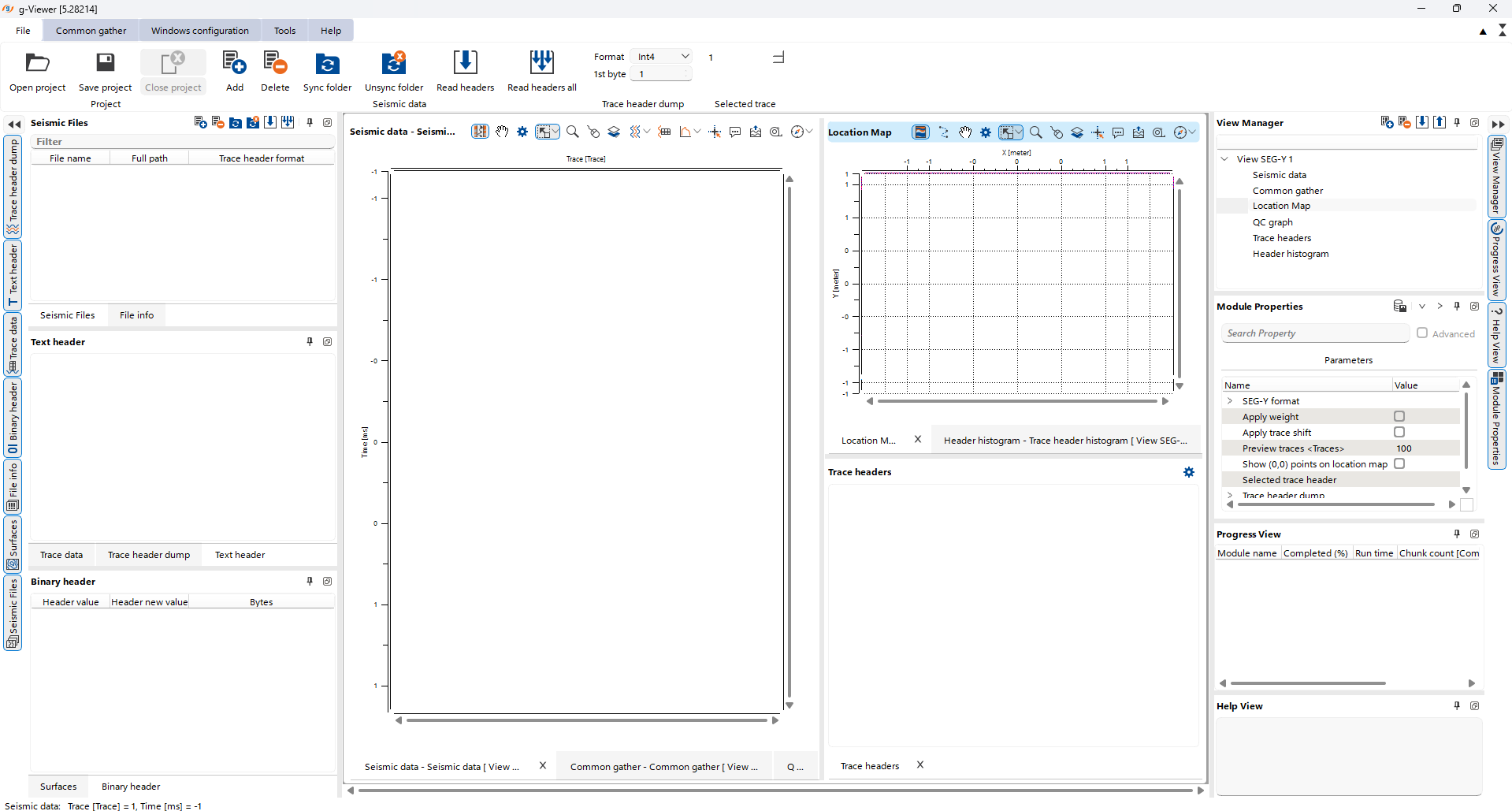
To launch g-Viewer, the user simply clicks on the short cut icon g-Viewer on the desktop or selects g-Viewer from the Start Menu ->Geomage g-Viewer ->gViewer option. Upon opening the software the display will appear as shown below