Module name View SEG-Y
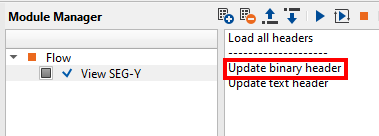
By using the View SEG-Y module, we can change the Binary headers also.
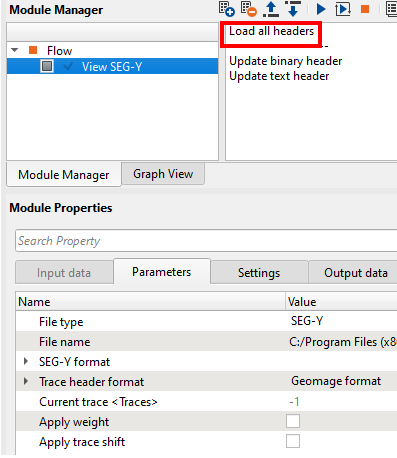
Read the SEG-Y file using View SEG-Y module and select the Load all headers so that all headers can be read and loaded. Launch Vista items and look for the Binary headers window.
To change the Binary headers:
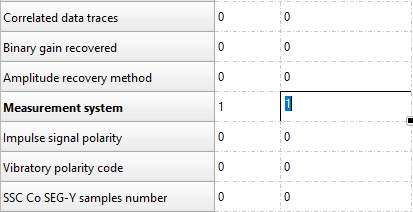
•Double click on the desired row to edit. Type IN the desired number. The background color will be changed.
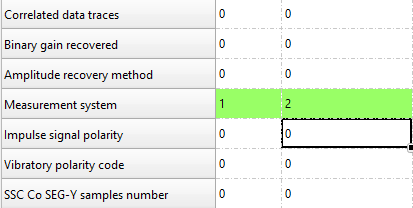
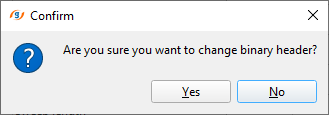
Click on Update binary header option from the action menu. It will ask for the confirmation, click Yes and check the result