Module name View SEG-Y
EBCDIC or Text Header is the place where usually stores the main acquisition/project/processing information for the dataset. Even though it is not necessary to have all the information in EBCDIC header but it is nice to have all the information to know the background history of the processing sequence.
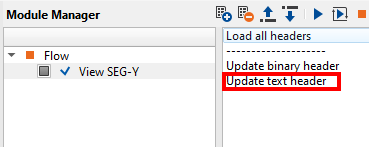
Inside the module View SEG-Y, on the far right hand side we have these options as shown below.
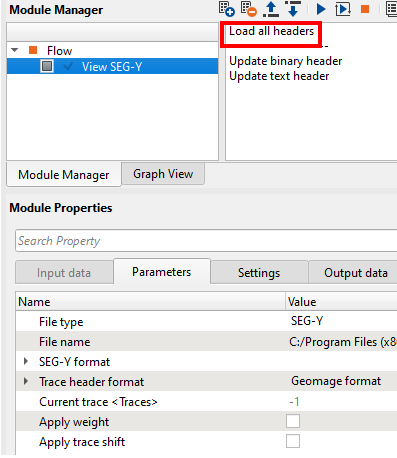
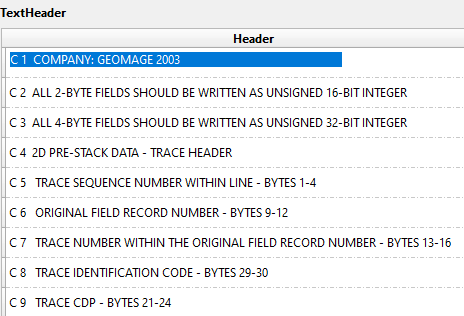
Read the SEG-Y file using View SEG-Y module and select Load all headers option so that all headers can be read and loaded. Launch Vista items and look for the Text header.
To change the Text header:
•Double click on the desired row to edit. Type IN the desired text. The background color will be changed.
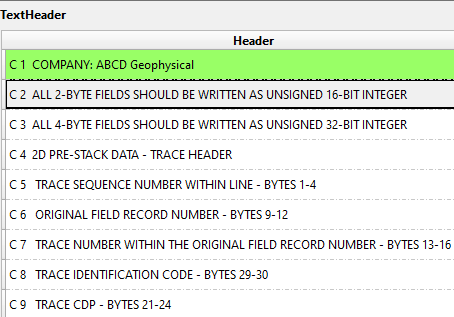
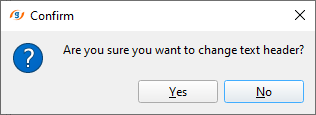
•Click on Update text header option from the action menu. It will ask for the confirmation, click Yes and check the result.