Module name SC Amplitude correction - Calculate
SC Amplitude correction - Apply
SC Amplitude correction - Calculate
In this module, we calculate the amplitude operator and in the next module i.e. SC Amplitude correction - Apply, we apply the operator to all the samples of all the traces which comes from the same surface point i.e. shot gather. An example workflow for a Surface Consistent Amplitude Correction.
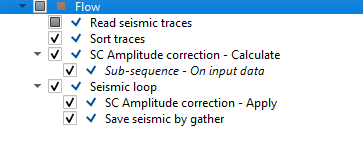
When we launch the vista items. it generates the amplitude operators for both source and receivers.
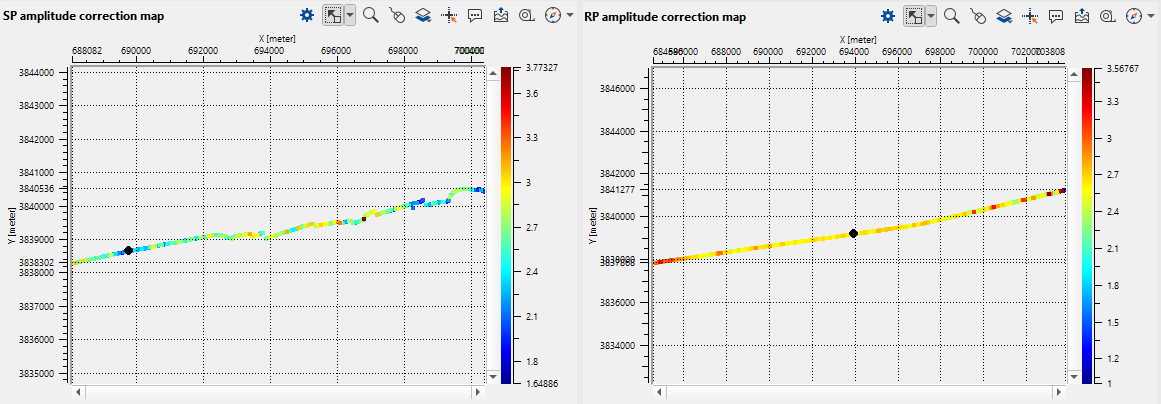
In the above workflow, we can apply the calculated amplitude operators by using "SC Amplitude correction - Apply" module.