In the Flow Diagram tab of the Workflow Manager section, the user can observe visual block-diagram representation of the selected workflow revision.
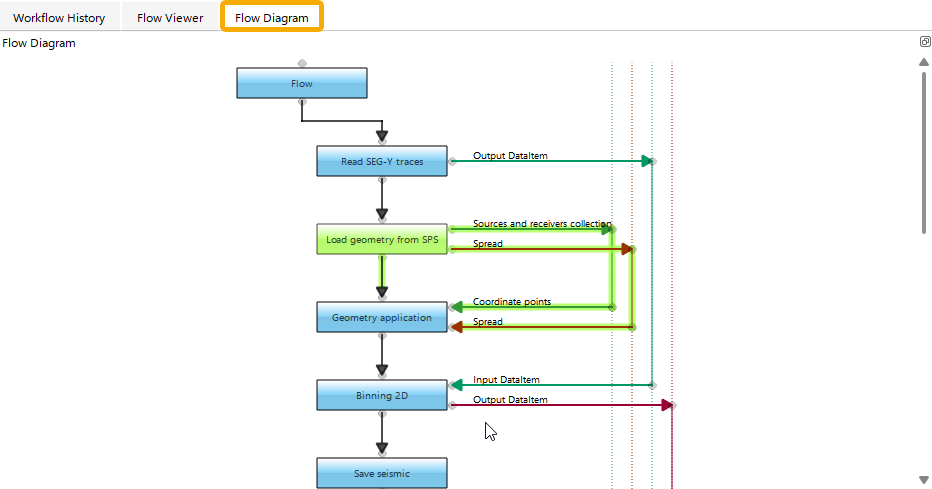
Here, the user can view a visual representation of the selected workflow with all module connections, inputs, and outputs. Clicking a module highlights it along with its connections.