The Workflow Manager panel of the main g-Platform Managing Workspace allows the user to view and manage all revisions of existing workflows, inspect the full structure and parameters of a selected workflow revision, and restore or submit any revision directly from this window.
The Workflow Manager section consists of three tabs: Workflow History (1), Flow Viewer (2) and Flow Diagram (3).
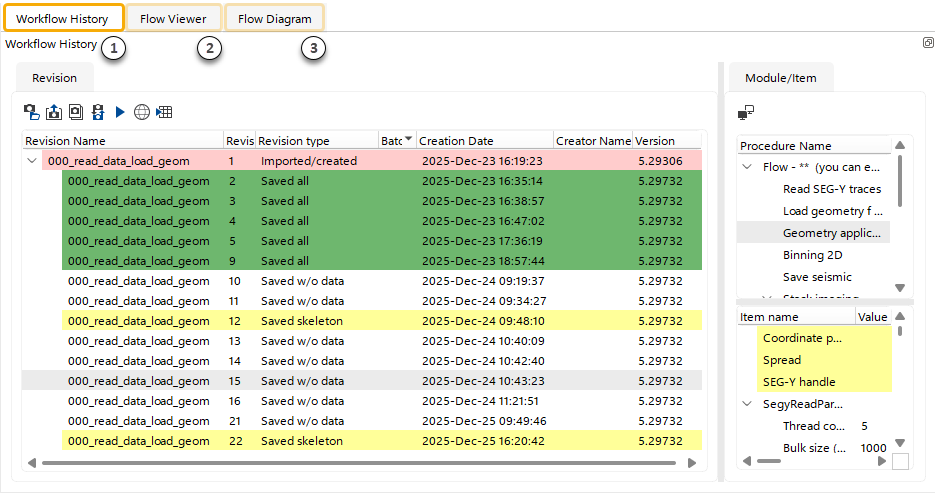
(1)Workflow History – View and analyze all parameters of existing workflow revisions, as well as to restore or submit any revision.
(2)Flow Viewer – Detailed view of all parameters and their properties for the selected workflow revision.
(3)Flow Diagram – Visual block-diagram representation of the selected workflow revision.