The Batch Manager panel of the main g-Platform Managing Workspace allows the user to create, manage and monitor workflows in a batch mode. This is most commonly used for a set of 2D lines; however, the user is not limited in how processing tasks can be implemented.
The Batch Manager section consists of three tabs: Global Properties (1), Batch Queue (2) and Jobs (3).
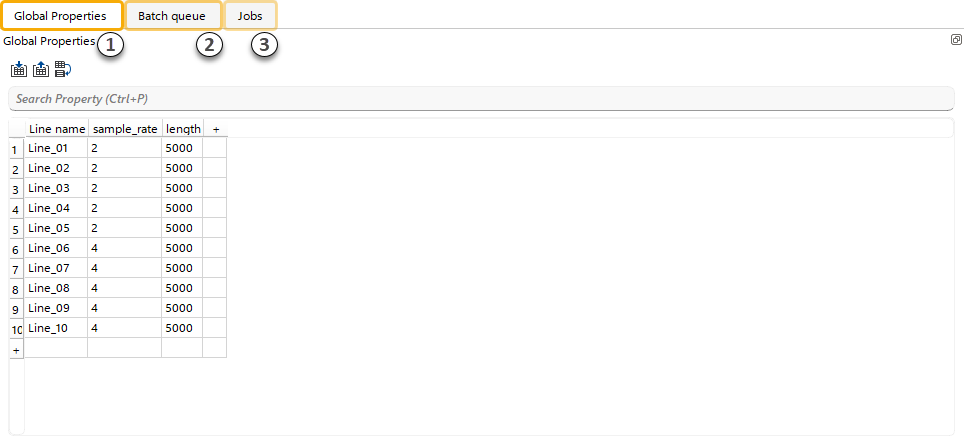
(1)Global Properties – Create, modify, and import/export global variables for Batch processing, and generate workflows from templates using these global variables.
(2)Batch Queue – Execute, manage, and monitor workflows submitted in Batch mode.
(3)Jobs – Monitor status and view detailed reports for each submitted workflow and g-Navigator application.