High-quality Image Export is an helpful feature for seismic data analysis. Once the user clicks the Vista Shortcut Button  , the Export View to File dialog window appears.
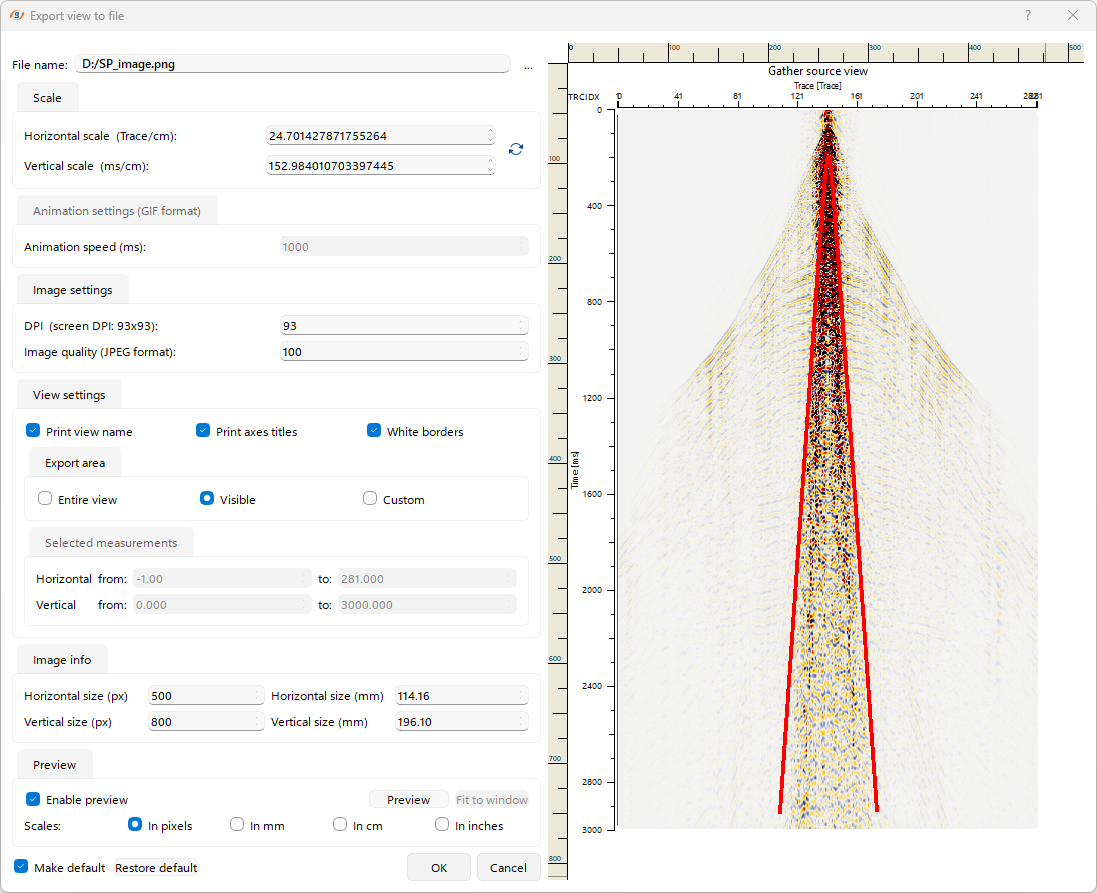 In the Export View dialog window, the user can configure:
•Vertical and horizontal scaling parameters
•Output image quality
•A specific image area to export
•View elements to include in the output
Only the PNG format is supported for export.