In most cases, all Vista Views available for a particular processing module are interconnected, making the parameter testing and quality control process highly visual and intuitive.
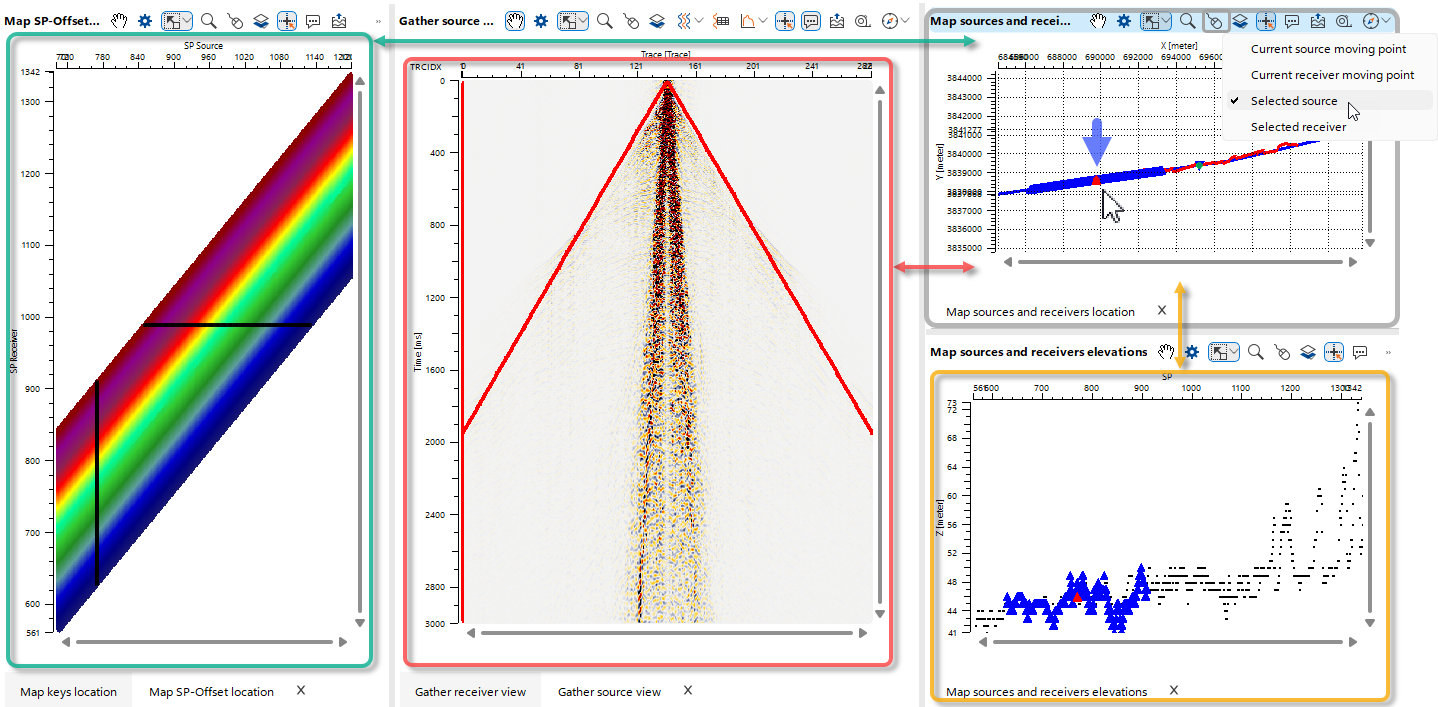 In this example, the “Selected Source” Control Item was chosen in the Location Map of Sources and Receivers Vista View using the corresponding shortcut button
  . After selecting a Source Point on the map, this action is immediately reflected across all visible Vista Views, including the Source Point Seismic Gather, Source–Receiver QC Map, and Source/Receiver Elevation Map.
Any subsequent selection of a Source or Receiver — for example, on the Elevation Map — is likewise reflected across all visible Vista Views.