The View Manager Panel of the g-Navigator window allows the user to switch between currently opened workspaces in the Client Manager Area, configure and manage them, and create custom workspaces and views.
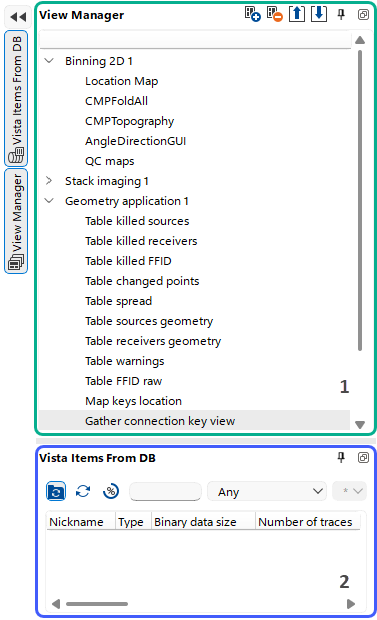 By the default view settings the View Manager Panel consists of the following sections: View Manager (1) and Vista Items from DB (2).