In the Help View section of the Workflow Manager Panel, the user can view context-sensitive help information for the selected module.
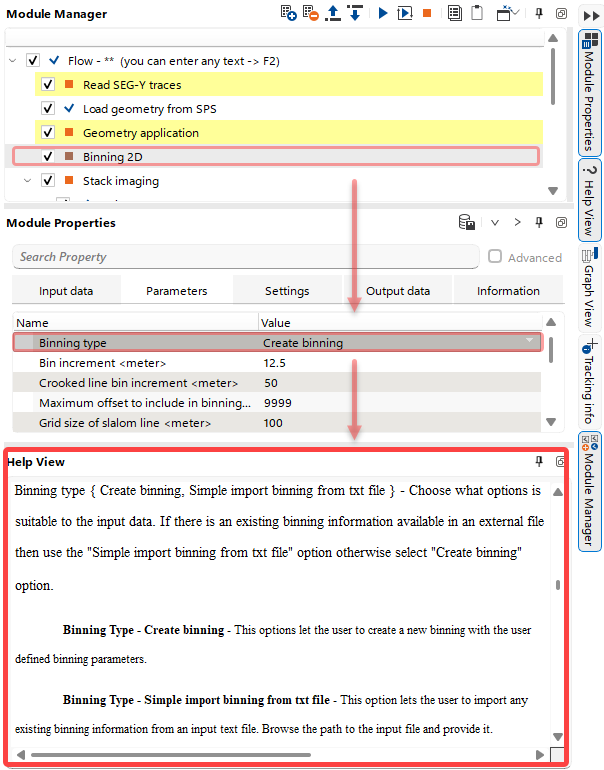 Once the user selects a module in the Workflow Tree of the Module Manager and a parameter in the Module Properties section, the corresponding part of the Help Documentation is displayed in the Help View section.