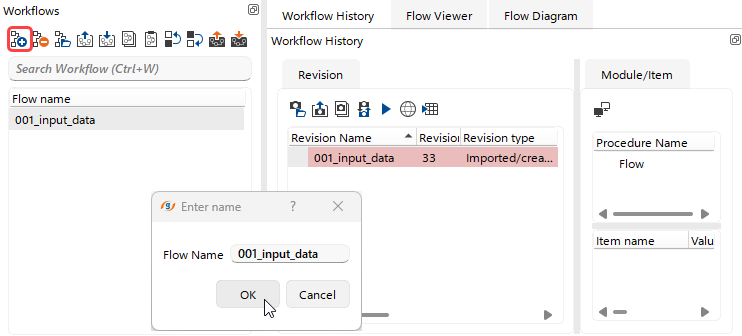
 To create an empty Workflow, the user can click the corresponding shortcut button
  in the Workflows section of the main g-Platform management window or simply press the Insert Key, and then specify the desired workflow name. Once created, the workflow immediately appears in the Workflow Manager section with its initial revision.
To open the workflow and begin working with it in g-Navigator, the user can use the Right-Click context menu or simply Double-Click the workflow in the Workflows section or in the Workflow History tab of the Workflow Manager.