To Zoom within a Vista View, the user can activate the Magnifier  via the Shortcut Buttons or simply use the Mouse Scroll Wheel.
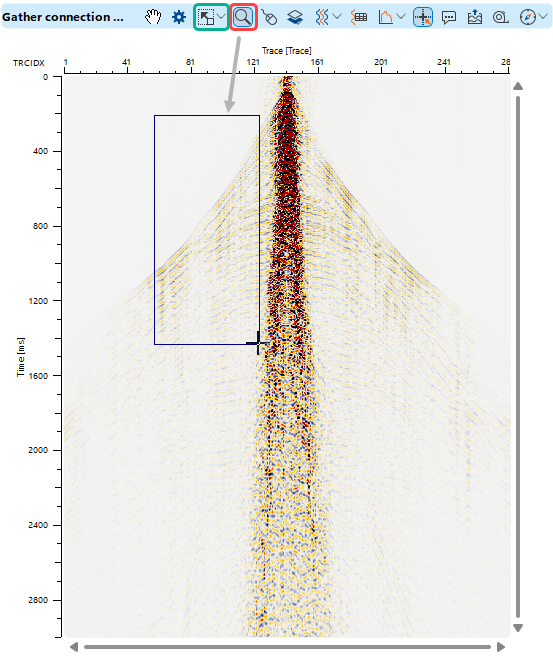 Using the Magnifier , the user can Zoom into a specific area of the Vista View by drawing a rectangle with the Left Mouse Button (click–drag–release).
Using the Mouse Scroll Wheel over an axis performs zooming along that axis only, while Scrolling within the Vista View performs interactive zooming in both axis directions.
The user can use the Shortcut Buttons to Reset Zoom: Full View  , Horizontal Axis
  , or Vertical Axis
  .
.