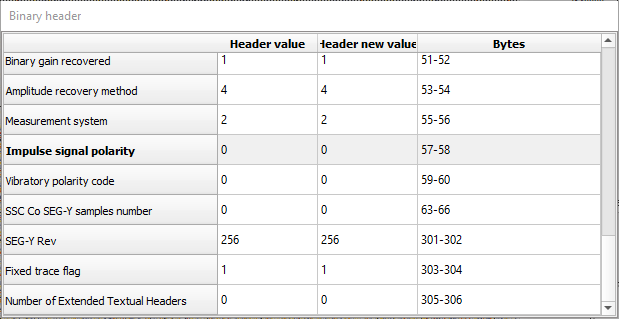
Binary header
Binary header:
Just like the Text headers, we can able to edit the Binary headers as well.

In this example, we are going to edit the Measurement system from Meters(1) to Feets(2) as shown below.
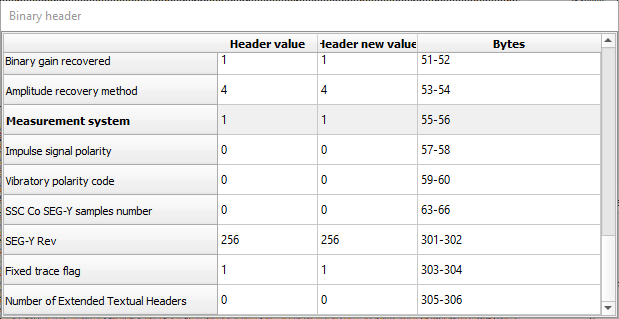
In order to change it, user needs to enter the new value in the “Header new value” field by clicking inside of it and hit Enter. Here also it changes the back ground color which tells us that the field is ready to be edited. Follow the procedure as described above to save the EBCDIC/text header but select “Update binary header” option from the action items.
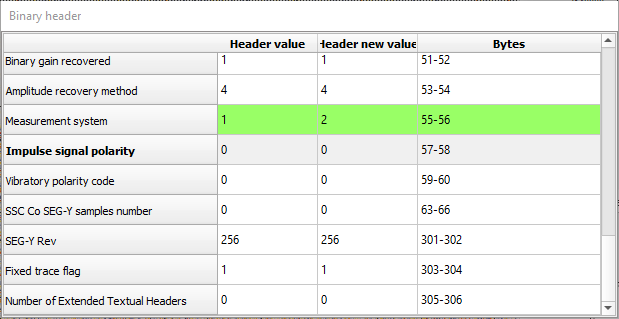
The process is similar to the Text header editing. Confirm and click Yes. Observe the changes in the Binary header window under “Header value” field.
Now it has changed the value from 1 to 2 permanently