Module Properties
The Module Properties panel allows users to configure and adjust various parameters related to data processing and visualization. By default, it is located on the right side of the interface.
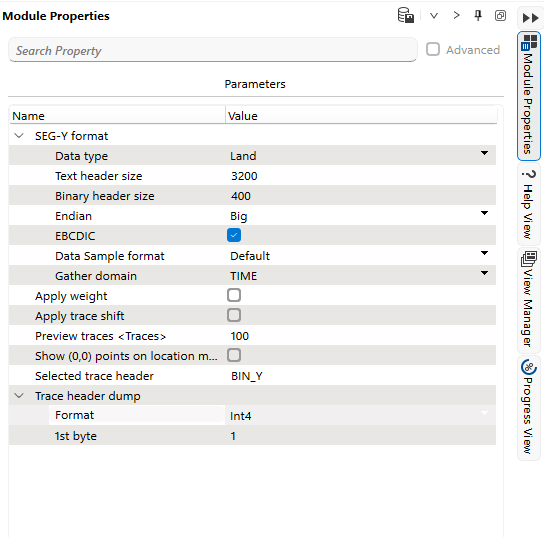
Key Features and Functions:
- Search Property: Use the search bar at the top to quickly find specific parameters.
- Advanced Mode: Enables additional settings for advanced users (checkbox).
- Parameters Table: Displays a list of configurable properties categorized under different sections.
Example Sections and Parameters:
- SEG-Y Format
- Trace Header Dump
This panel provides essential customization options to ensure correct SEG-Y data handling and interpretation.