Installation
Installation of g-Viewer software is just a mouse click away. Double click on the .exe file and launch the program.
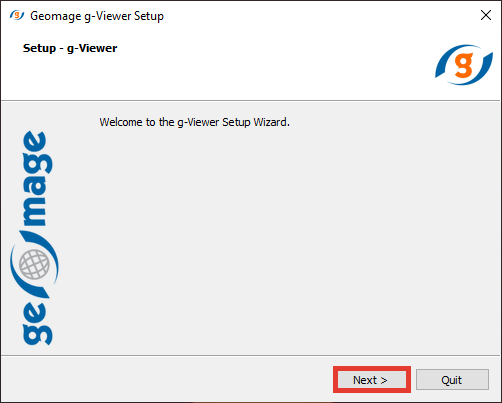
Click Next and provide the installation path
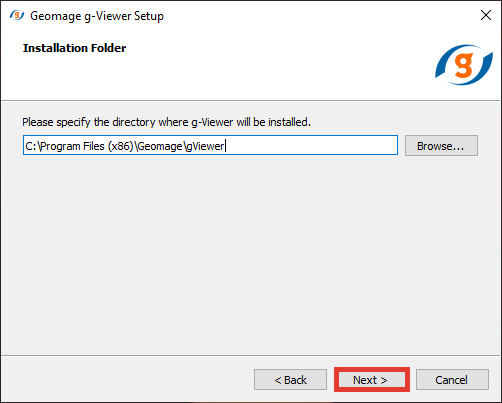
Click Next
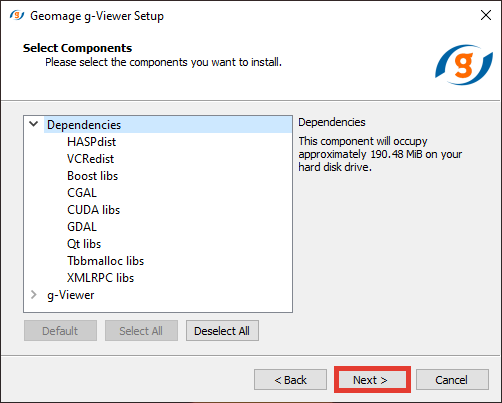
Press Next and agree to the License Agreement (If you want to continue using the software ) by selecting the option "I accept" and press Next. In the following screen it will display the window for creating the g-Viewer start menu shortcuts
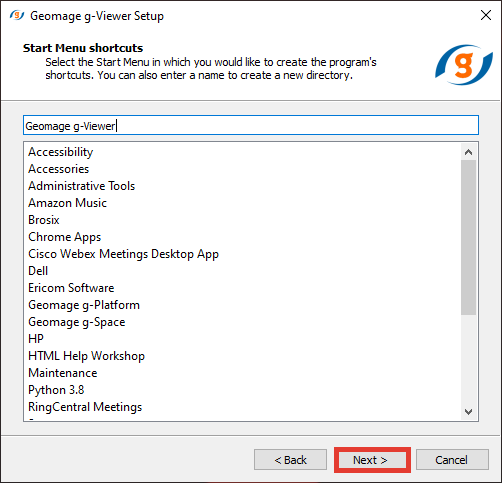
Click Next and we are Ready to install.
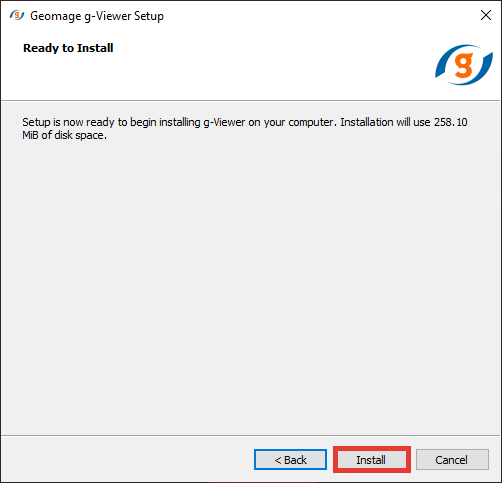
Click Install button
. 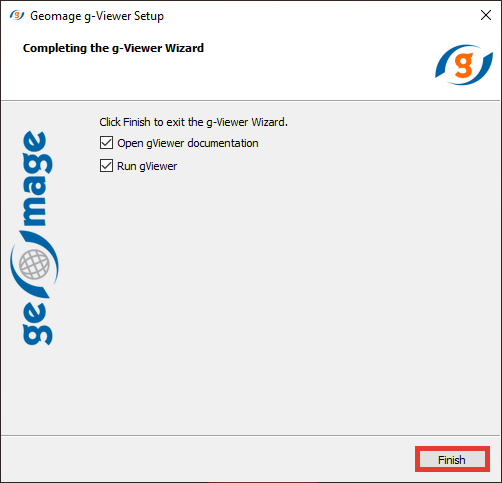
And then Finish