Save text header
This option let the user to save/export the EBCDIC/text header.
In order to save the EBCDIC/Text header, the user should click on "Save text header" option. It will pop up a window
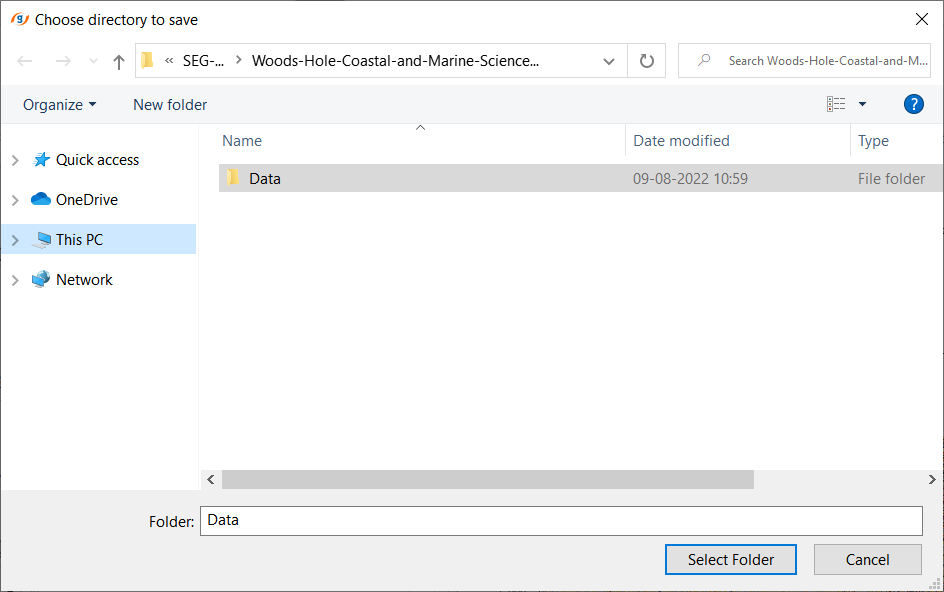
Here the user should select the already existing folder to save the EBCDIC/Text header or create a new folder and select that particular folder and click "Select Folder" option.
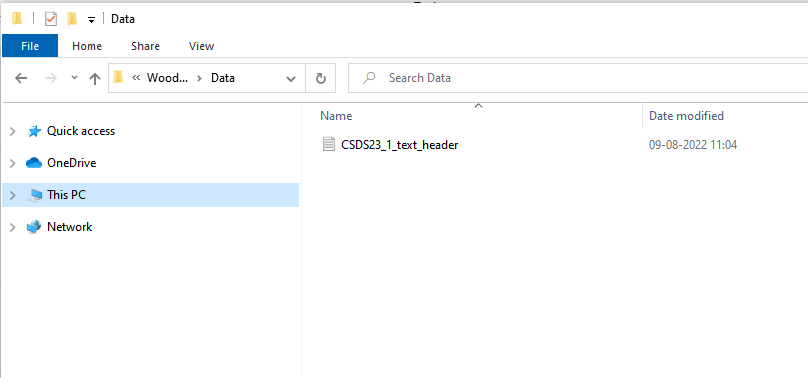
Now go to the folder and look for the saved EBCDIC/Text header. It will be saved with naming convention as the selected input file name with "_text_header.txt"