Hotkeys
g-Viewer got some hotkeys aka shortcut keys to make everyone's life easier. Here are some of them.
1. To hide/show side panels of the g-Viewer i.e. Full screen option, press Shift+F11
2. To display g-Viewer using all screens, press F11
3. To hide/show left or right panels (Trace data, seismic files, binary header, View Manager etc), press Shift+Left arrow key & Shift+Right arrow key
4. In 3D view, to display the selected section (Inline, Crossline, Time/Depth slice), first select the specific inline/crossline/time/depth slice to activate it and press Shift+F
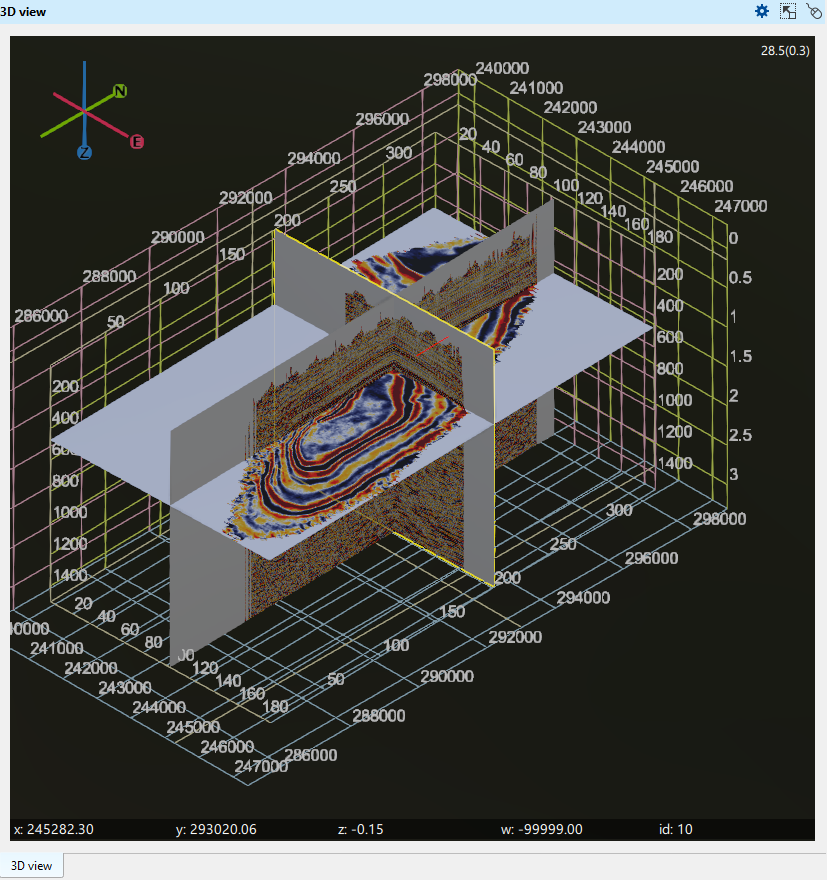
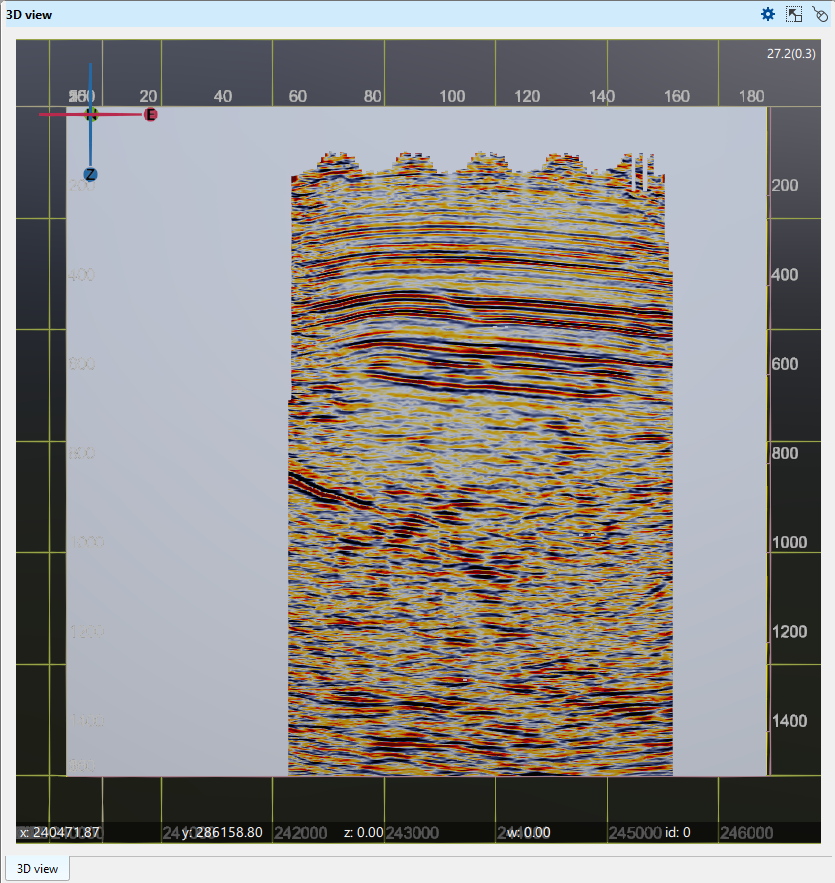
5. To view the selected section from South direction, press Shift+S
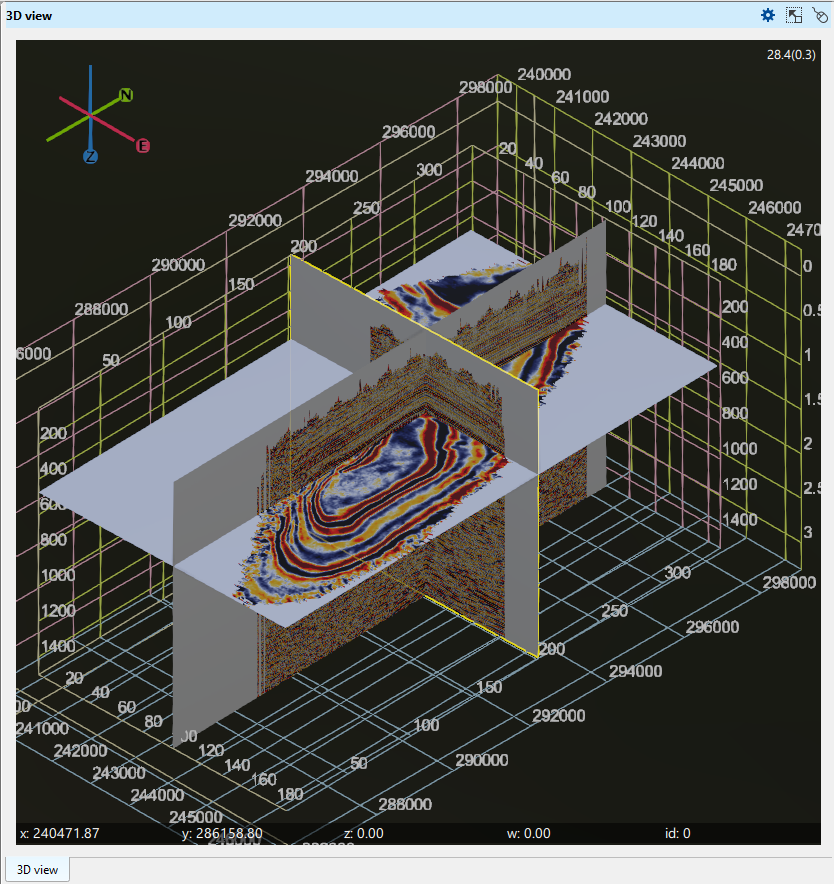
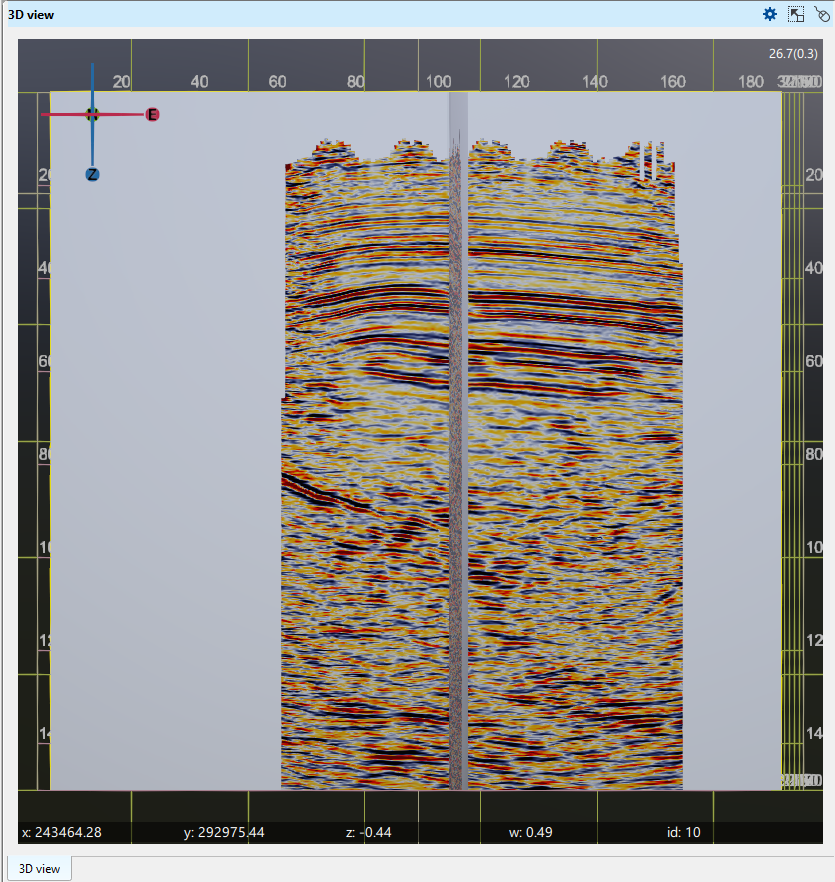
6. To view the selected section from North direction, press Shift+N
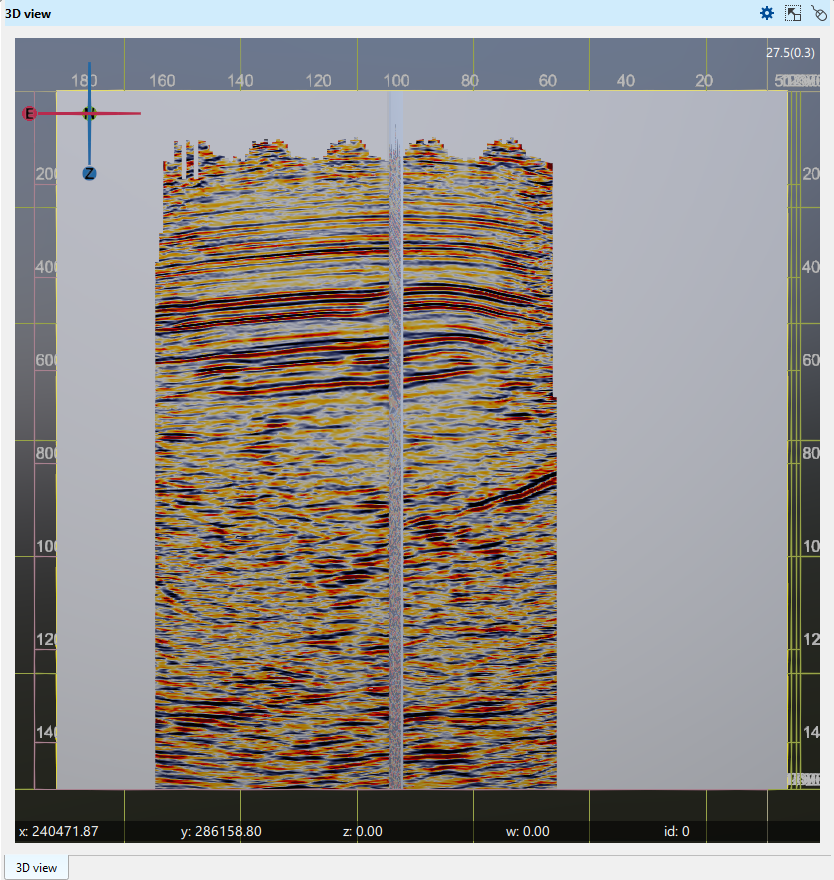
7. To view the selected section from West direction, press Shift+W
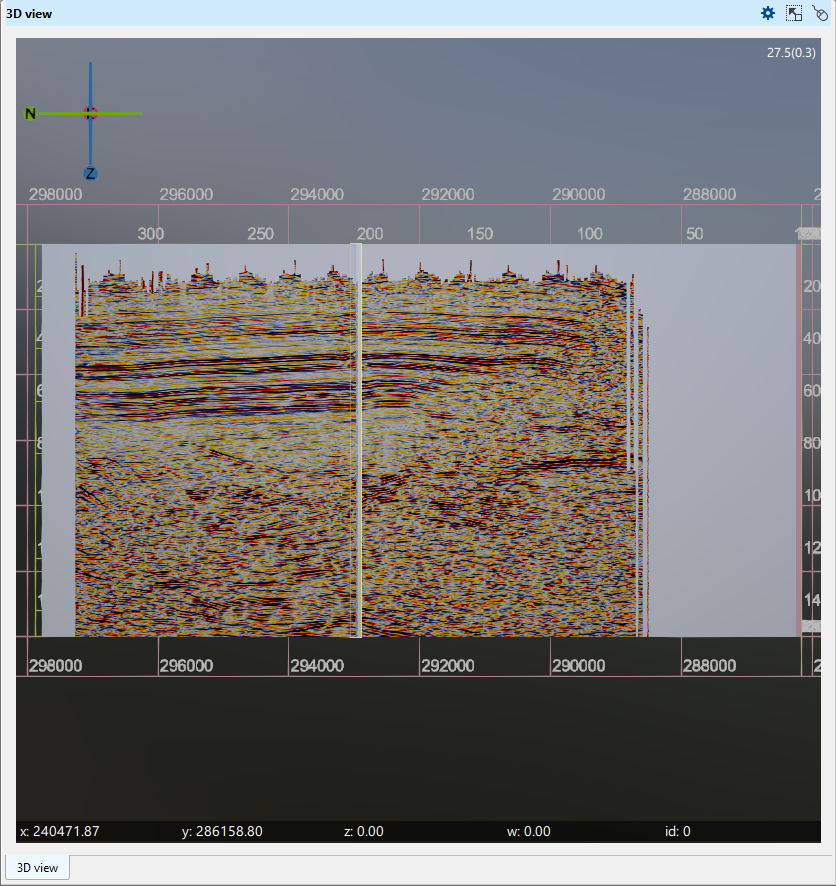
8. To view the selected section from East direction, press Shift+E
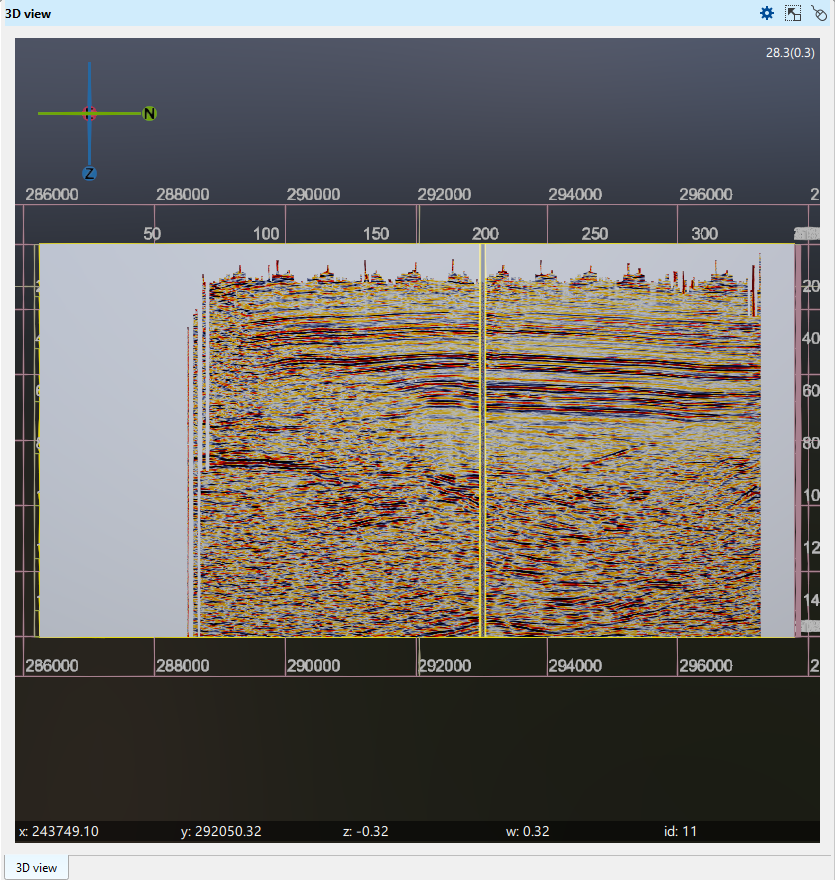 D
9. To view the selected section from Top, press Shift+U
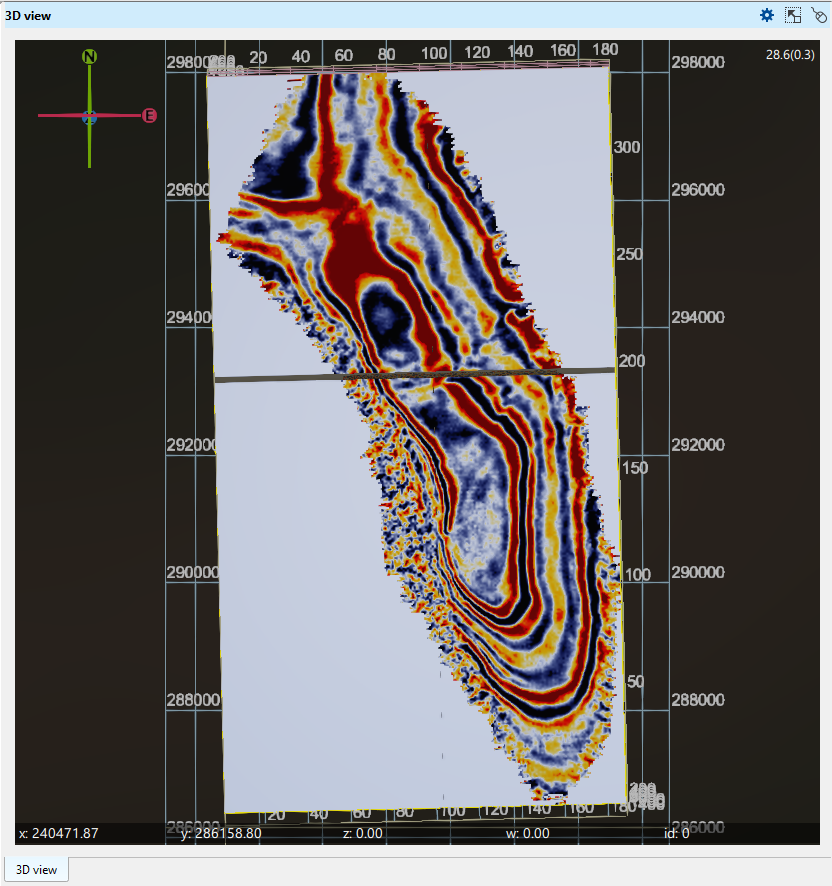
10. To view the selected section from Bottom, press Shift+D
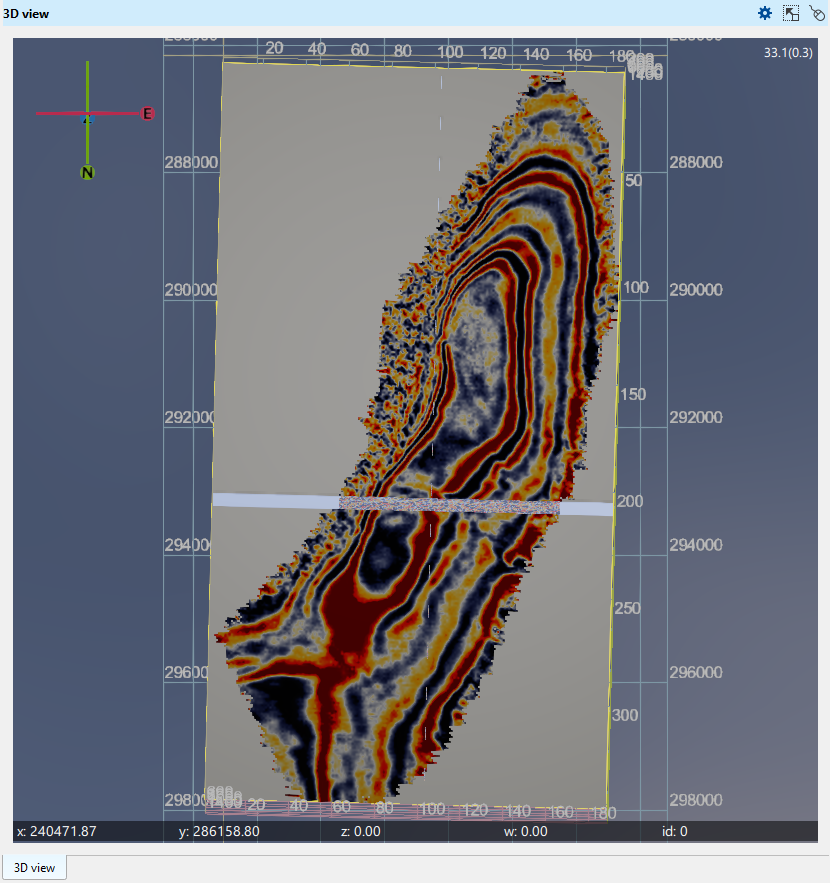
11. To move selected inline/crossline/slice, press left/right arrow keys
12. To save the g-Viewer project, press Ctrl+S