Coordinate and measurement system
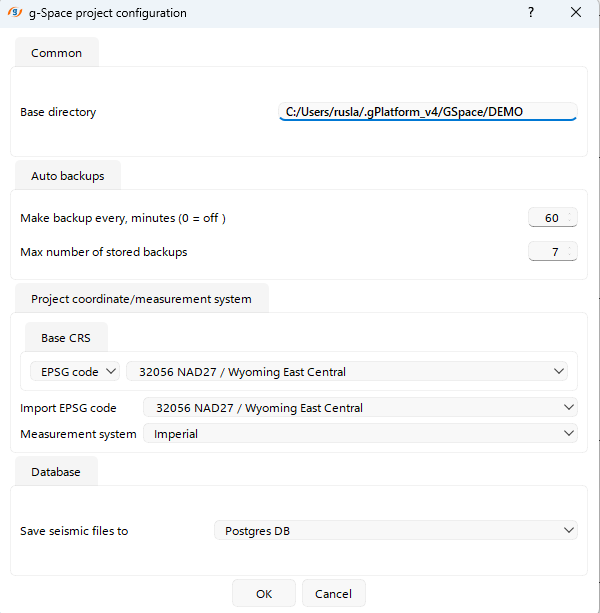
To configure the project's Coordinate Reference System (CRS), open the Project configuration menu.
In this menu, you can set the CRS and choose the measurement system in the Project coordinate/measurement system section:
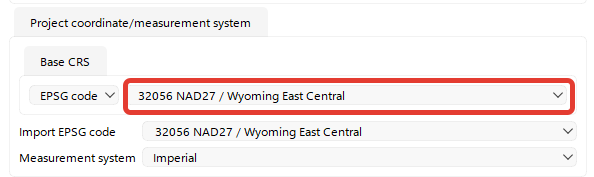
g-Space offers a vast selection of predefined CRS.
The easiest way to find the one that suits your project is by entering its EPSG code into the search field:
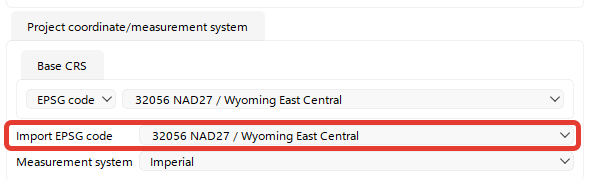
If the CRS of the imported data differs from the project's CRS, you can specify a different EPSG code for the import:
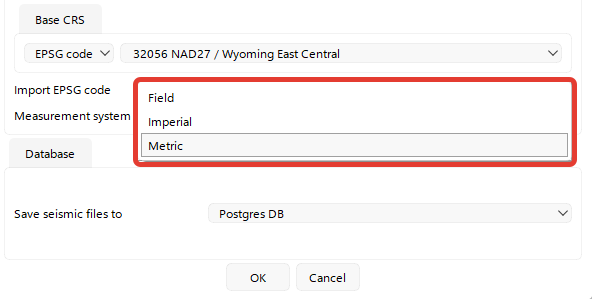
In this section, you can also choose the measurement system from three options: Imperial, Metric, or Field (coordinates in Metric and depth in Imperial):