Mis-tie correction
If you encounter mis-ties in your 2D seismic line set or in 3D seismic volumes, it may be necessary to apply corrections to properly correlate horizons and faults. g-Space offers powerful functionality for addressing mis-ties.
Subscribe to our channel and watch the video on how to correct mis-ties in g-Space on YouTube
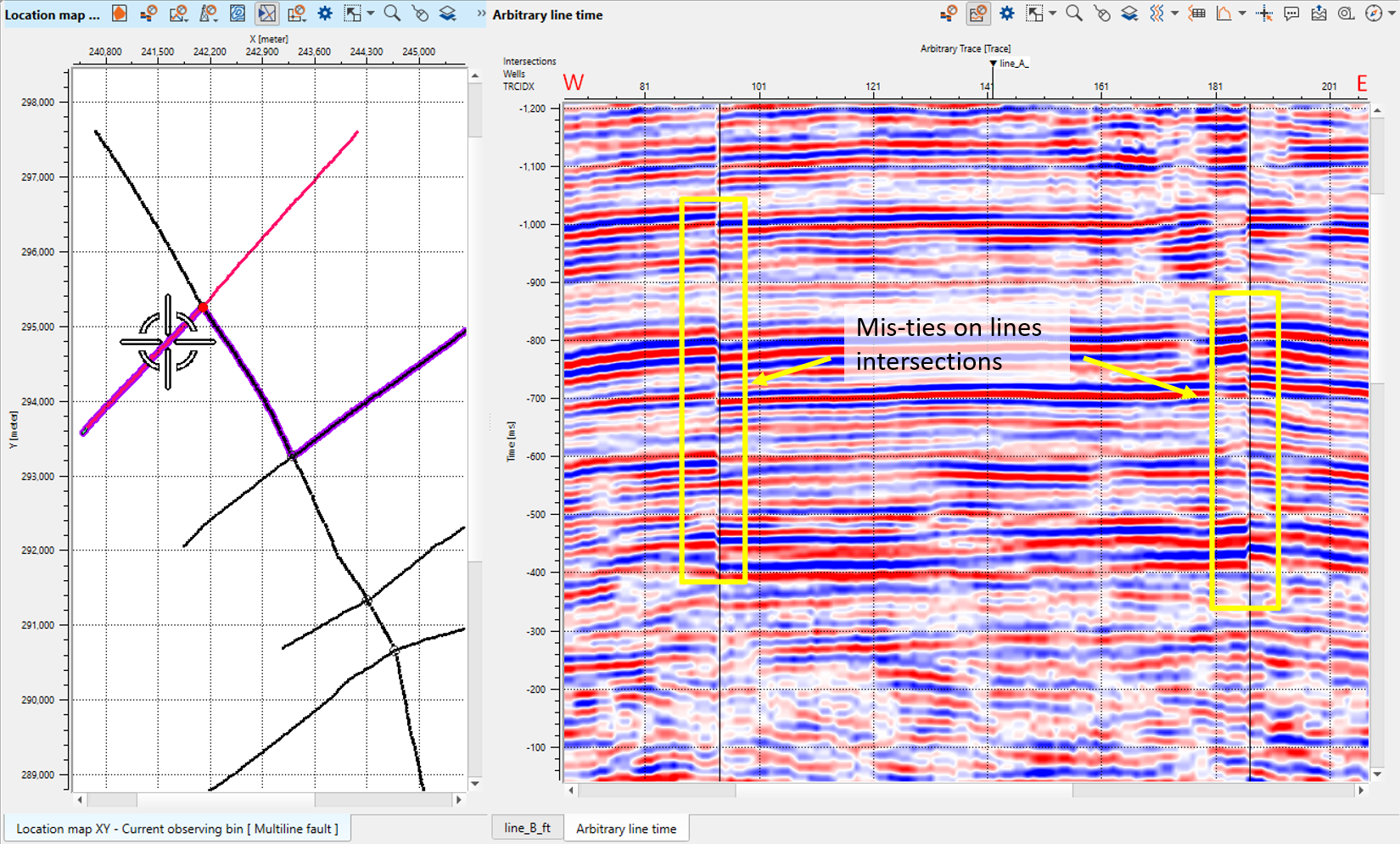
Access the Mis-tie Bar and click on Add/Show Mis-tie Views.

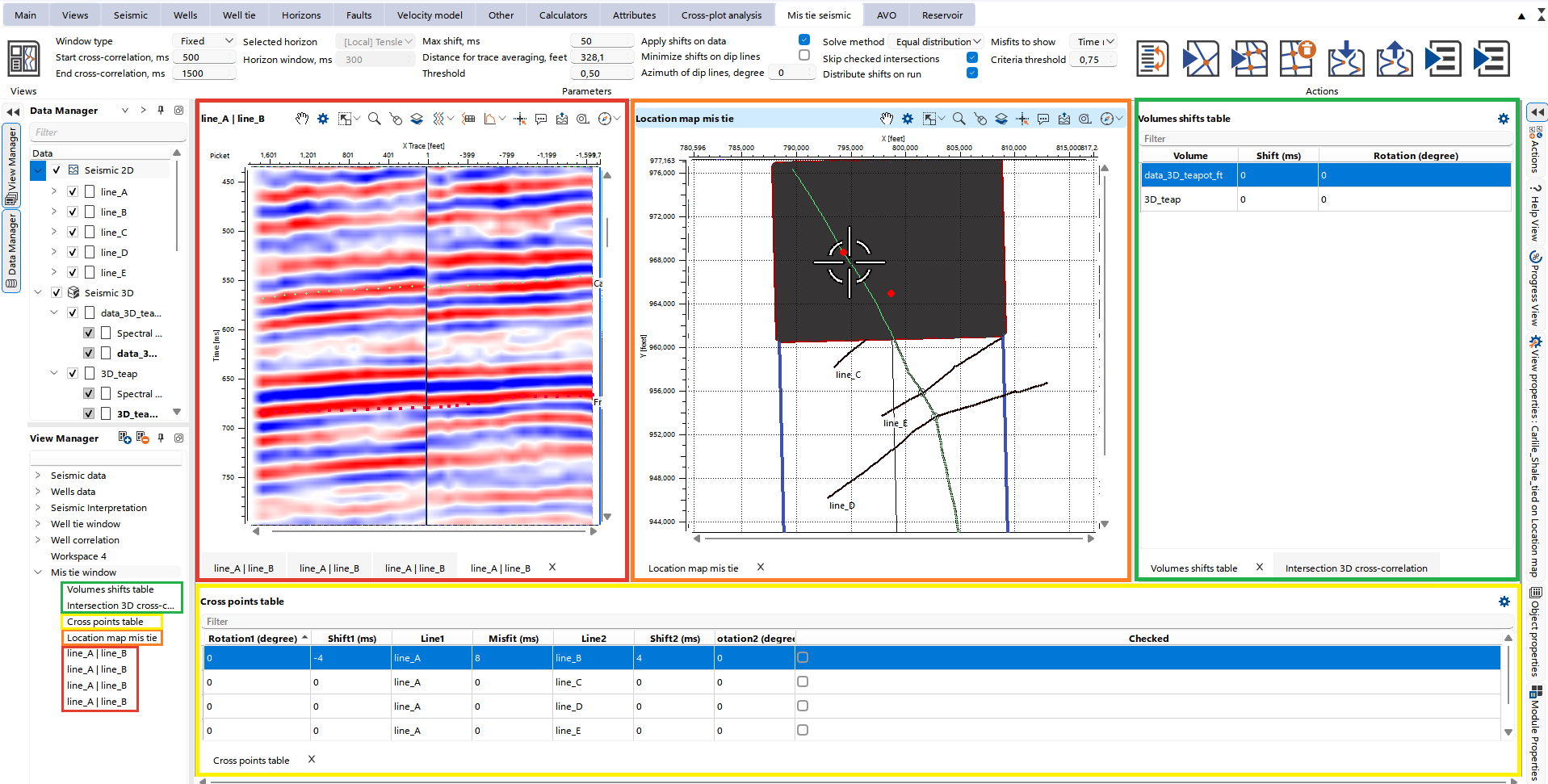
This action opens a new workspace with following view types:
- Location Map: Visualizes the selected intersections for 2D and 3D seismic data, highlighted in yellow.
For 3D data, highlighted in green
- Volumes shift table: Displays all seismic volumes
- Intersection 3D cross-correlation: Displays correlation function between volumes
For 2D data
- Cross Points Table: displays all intersections with phase and time shifts, highlighted in yellow.
- Section Views: Provides four possible sections of the selected intersection, highlighted in red.
Step-by-step workflows can be found further in the chapters for 2D lines and 3D volumes.