Import attributes
To load data from an ASCII formatted file, navigate to the Seismic bar and click Import seismic data from ASCII. The same import is also available from the Data manager context menu of the seismic data node; see Convert ASCII to seismic for the full procedure and its parameters.
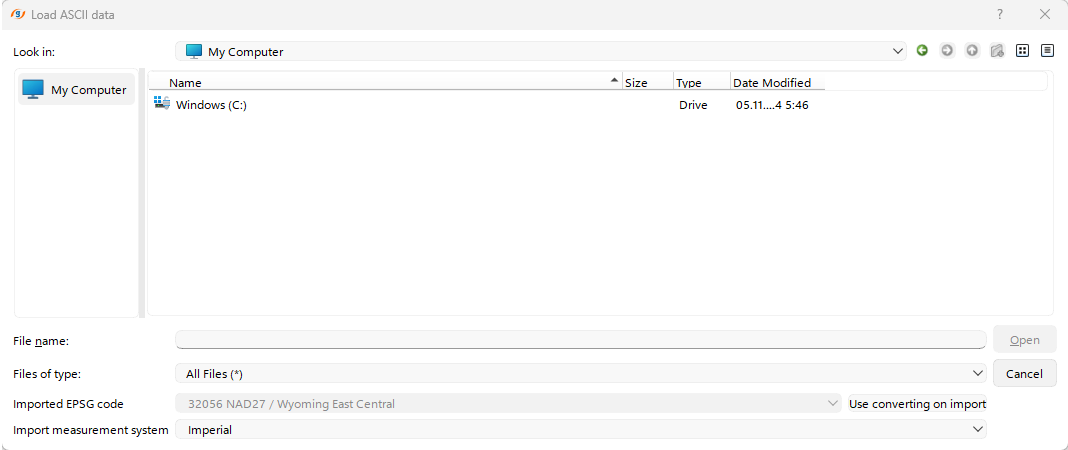
A window will open; select your file, ensure that the correct coordinate system and units of measurement are selected, and then upload the file.