Visual Settings
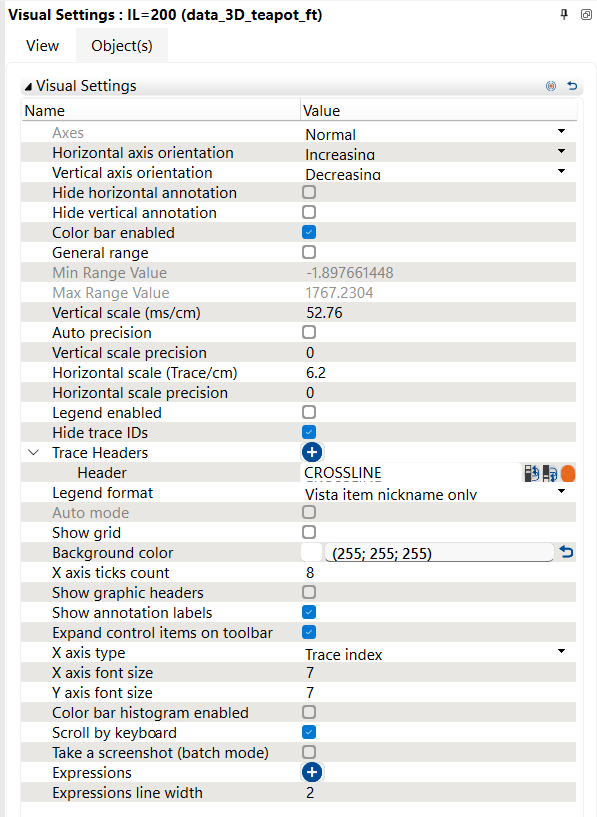
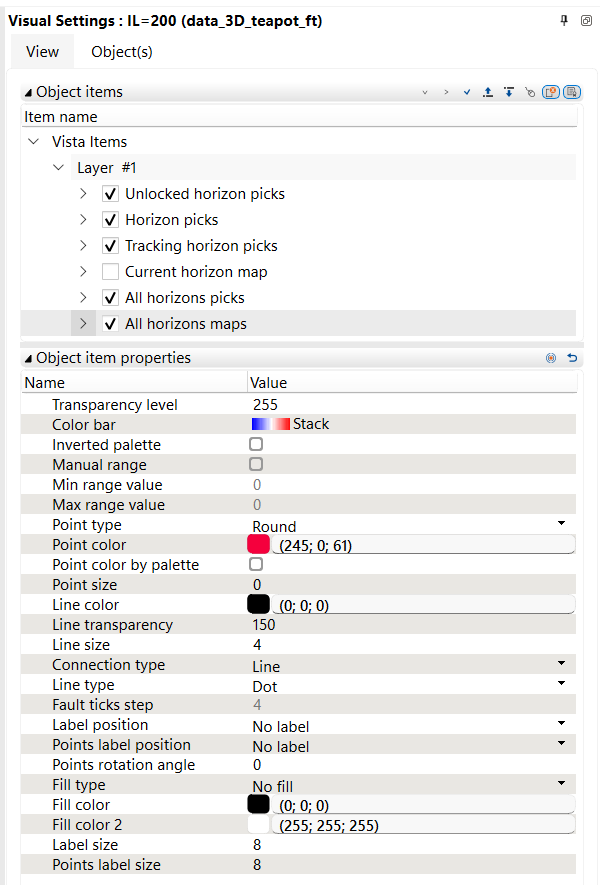
Visual Settings is a dynamic panel that displays the parameters for the active view or object.
The content of the window depends of the selected object.
Visual Settings changes only the display style of the active view and the objects shown in it – it does not change the original data stored in the project.
By default Visual Settings is located on the right.
To open the Visual Settings panel open a panel bar or click the Settings button  on the tool bar on the upper part of any View.
Visual Settings is divided to two tabs:
View - controls the appearance of the active view, including axes, scale, annotations, grid, legend, background colour, headers and display options.
Object - controls the objects displayed in the active view, including their visibility, order, palette, transparency, point style, line style, labels and fill settings.